Send it to any phone. It only needs a camera.
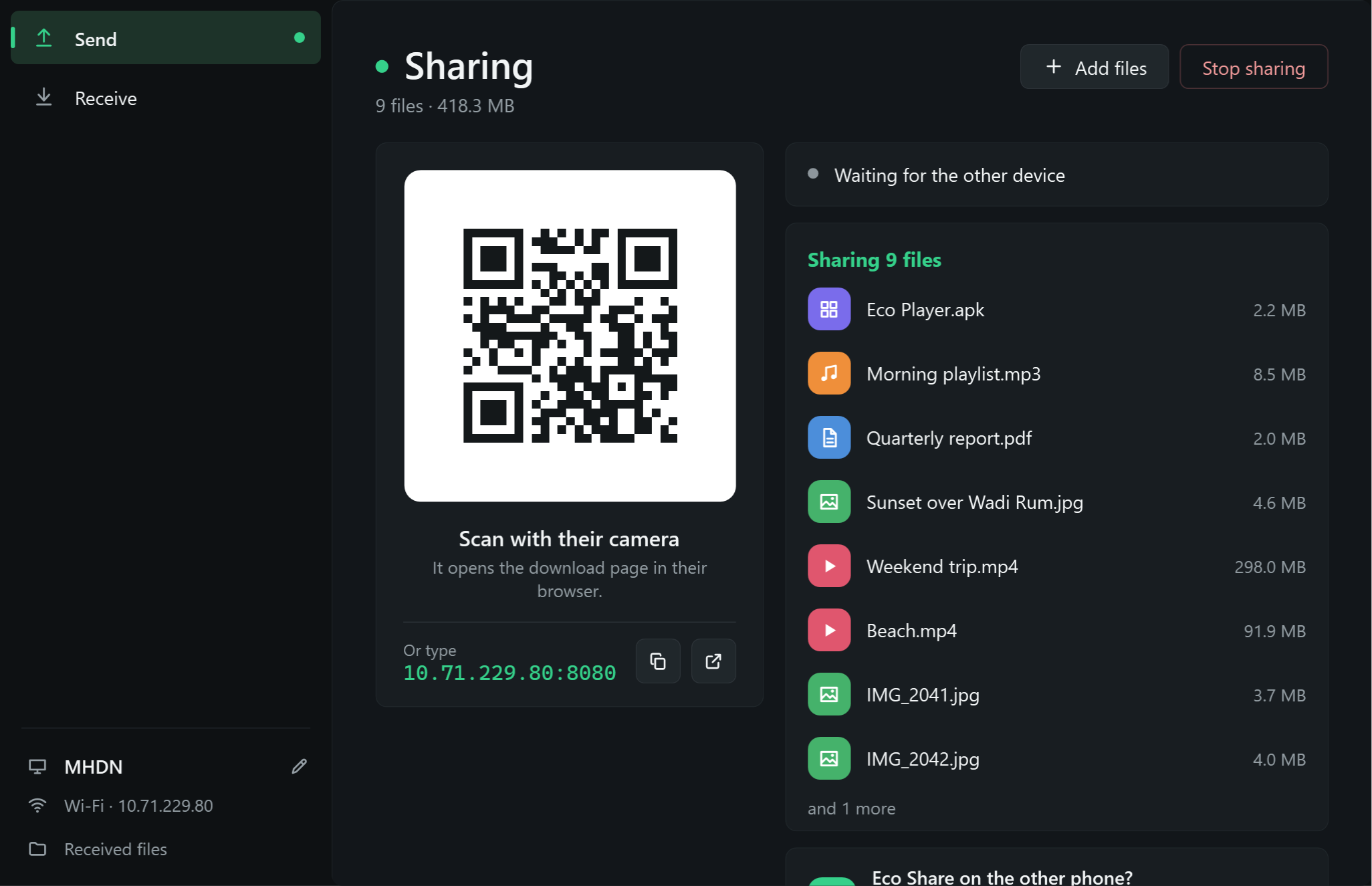
Eco Share turns your phone or PC into a small file server on your Wi-Fi. The other person scans a QR code and downloads in their browser. No app on their side, no account, no internet.
Android 7 and later · Windows 10 and 11
How it works
Three steps, and the other side does one of them.
-
01 · you
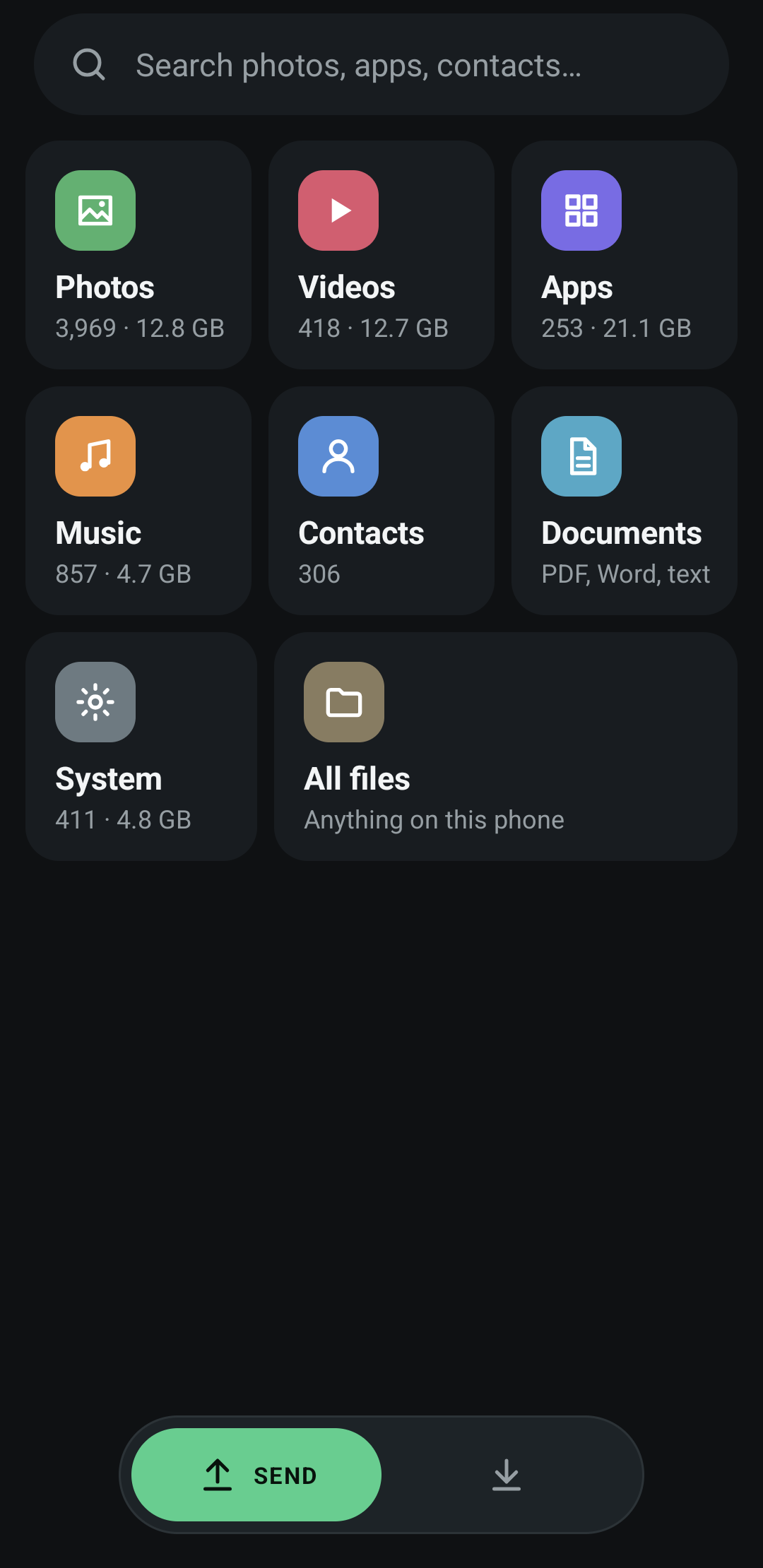
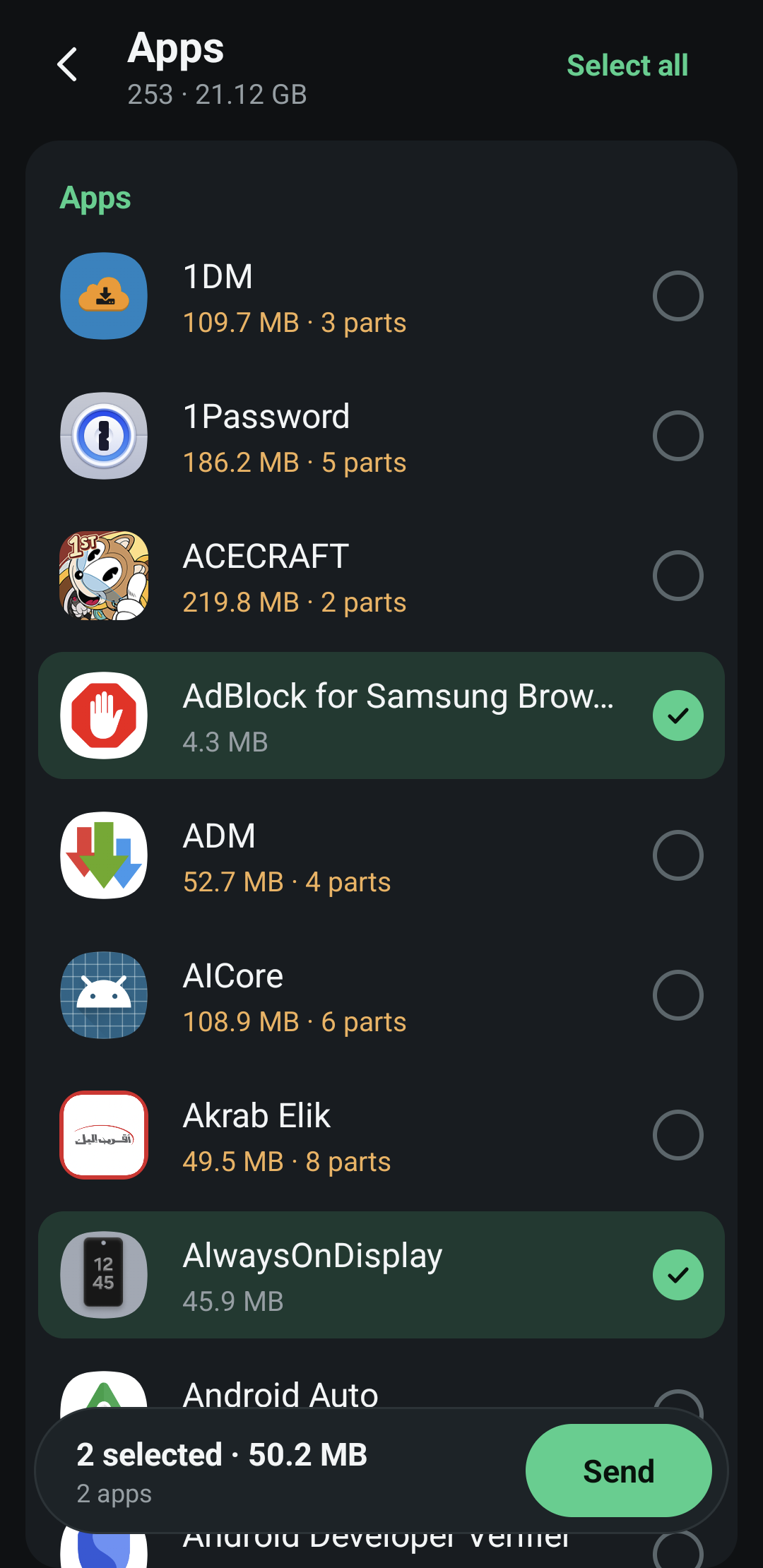
Pick what to send
Photos, videos, apps, music, contacts or any file. On a PC, drop files or whole folders on the window.
-
02 · you
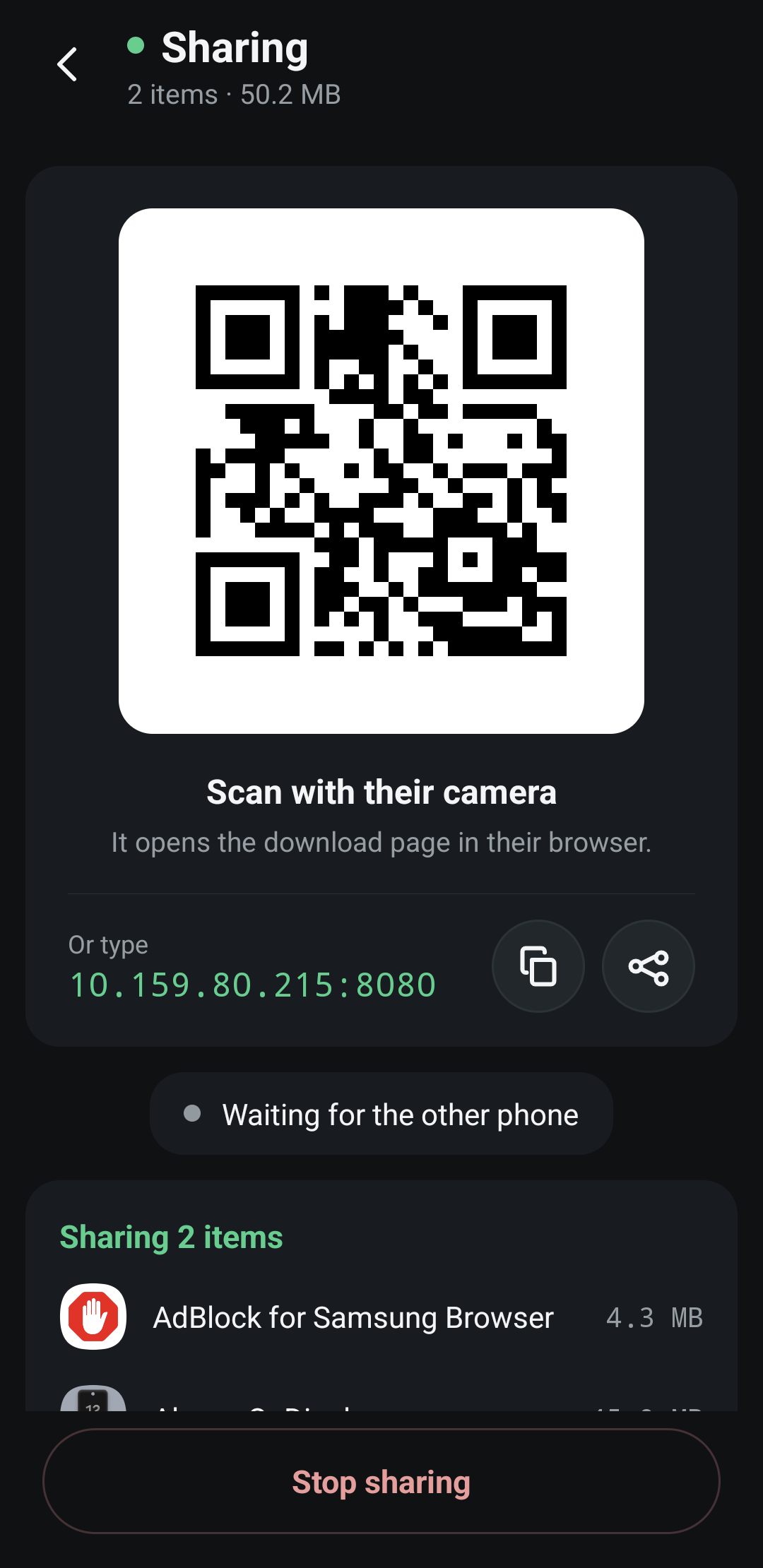
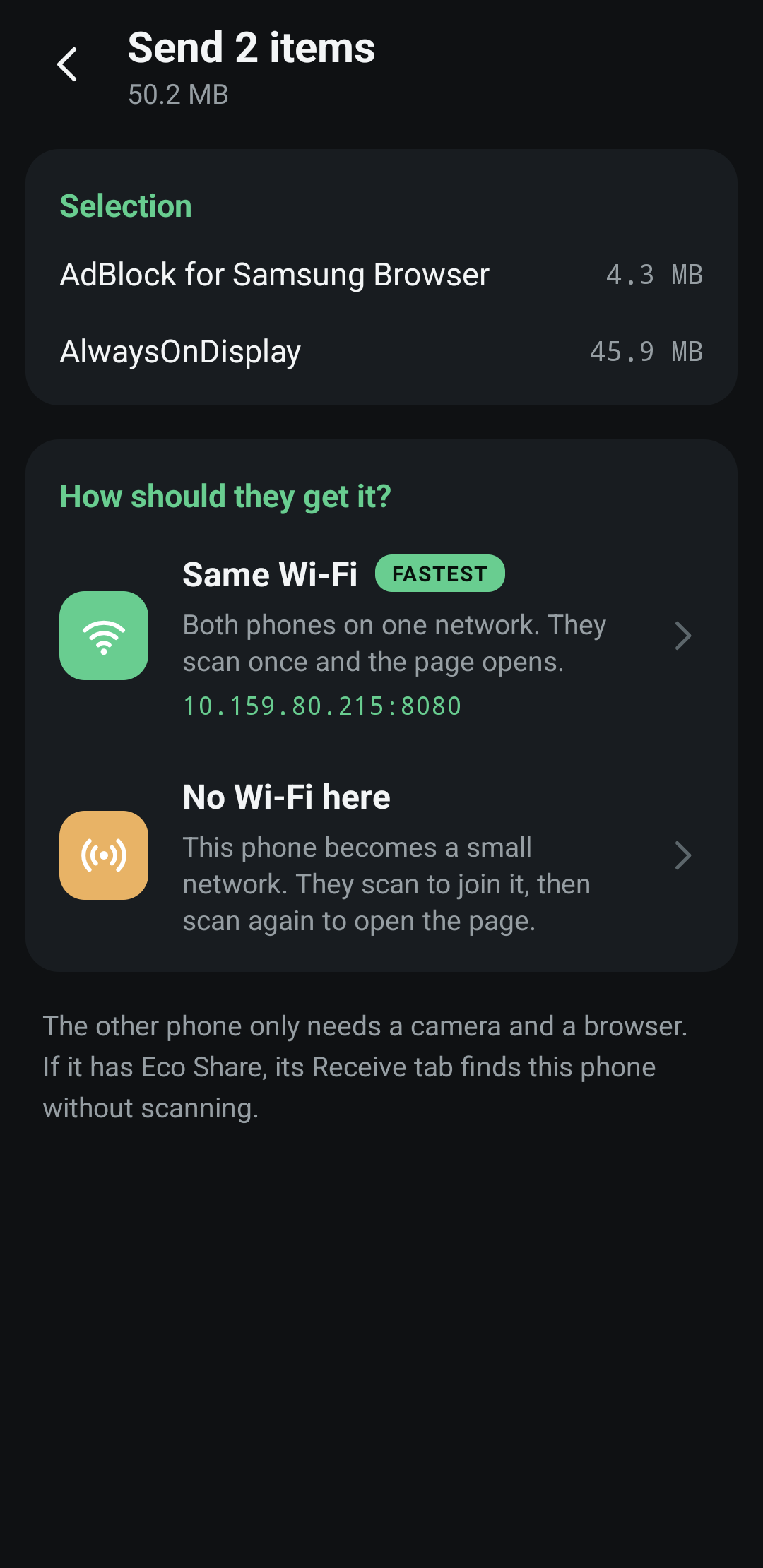
Show the QR code
On the same Wi-Fi it holds your address. With no Wi-Fi around, your phone becomes the network and the code lets them join it.
-
03 · them
They scan and download
Their camera opens a plain page: every file with a Get button, everything as one zip, video that plays right there, and a box to send files back.
ECO SHAREfrom Galaxy S242 files, 50.2 MBDownload all as .zipAPKEco Player2.2 MBGetMP4Weekend trip48.0 MB · plays hereGet
If they have Eco Share too
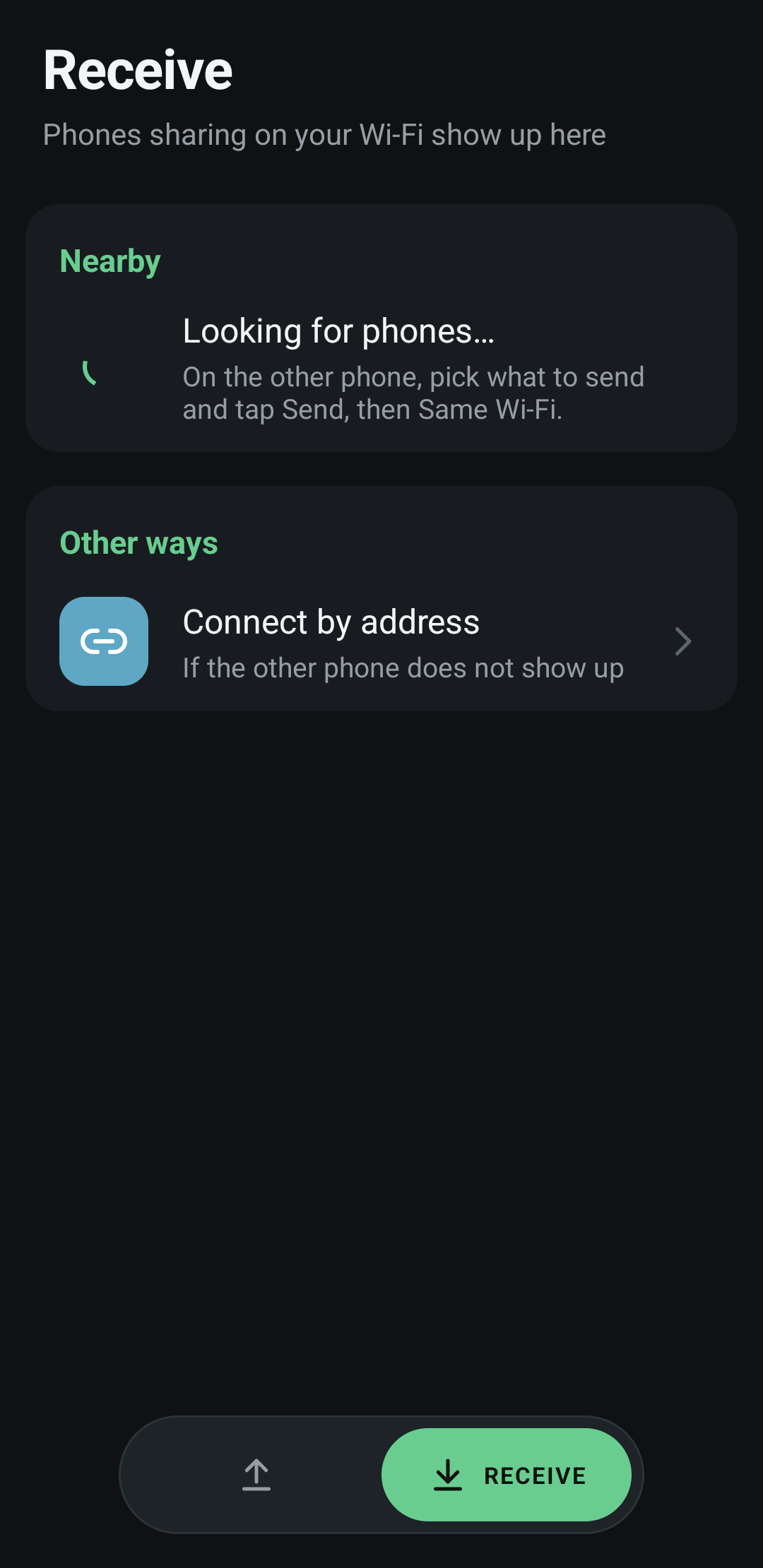
No code to scan. Your phone just shows up.
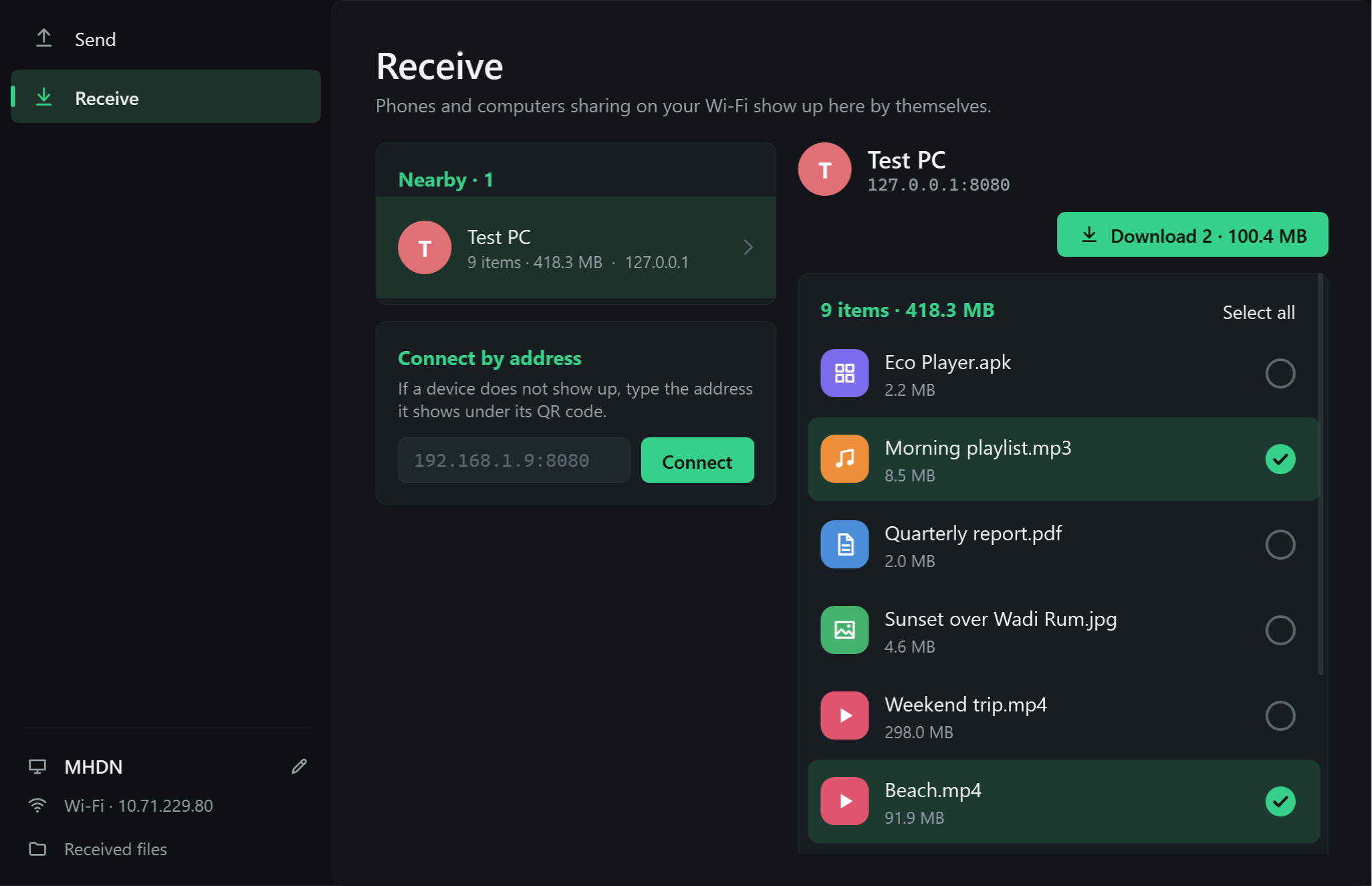
Their Receive tab finds every phone and PC sharing on the same Wi-Fi by itself. They tick the files they want and tap Download.
- Resumes on its own. Walk out of range mid-download and it carries on from where it stopped.
- Changes show up live. Add a file on your side and it appears on theirs within seconds.
- Lands in one place. Everything goes to Downloads, in an Eco Share folder.
On Windows
The same thing on your PC, in one small file.
Drop files or whole folders on the window, or paste them. Phones and PCs send to each other in both directions. Nothing to install: it runs on what Windows already has.
Drop anything
Files, folders or a paste from Explorer. A folder goes as every file inside it.
One zip, any size
“Download all” keeps folders as they were and resumes if the connection drops.
Your name on it
Name your PC once; that is what the other side sees.
Questions people ask
Does it use my internet or a cloud?
No. Files go straight from your device to theirs over Wi-Fi. Nothing is uploaded anywhere, and it works with no internet at all.
Can I send to an iPhone?
Yes. The download page works in any browser, so an iPhone downloads with Safari, and can send files back the same way.
Can I send apps I installed?
Yes. A single-file app installs straight from their browser. Apps Android split into several files are packed into one .apks backup, which installs with a split-APK installer such as SAI.
What if there is no Wi-Fi?
Choose “No Wi-Fi here”. Your phone creates its own network; they scan once to join it and the page opens.
Get Eco Share
Free. Install it on the phone or PC you send from; the other side needs nothing.